AgentMux · Open source · Apache 2.0
Stateful
agents,
first-class.
AgentMux is a free, open-source desktop app for Windows, macOS and Linux that runs AI coding agents, such as Claude Code, Codex and Gemini, side by side with your terminals, on your own computer. The AgentMux mobile app is open source too, and reaches your agents directly over your local network, no cloud needed. An optional AgentMux Cloud account, which you can sign in to with email, Google or Apple, relays messages between your agents on different machines and lets the mobile app reach them from anywhere. How we handle your data.
Alpha software. Features may be incomplete or unstable. AI agents generate content that may be inaccurate — always review outputs. Report issues
Swarm
Agents drive
the workspace.
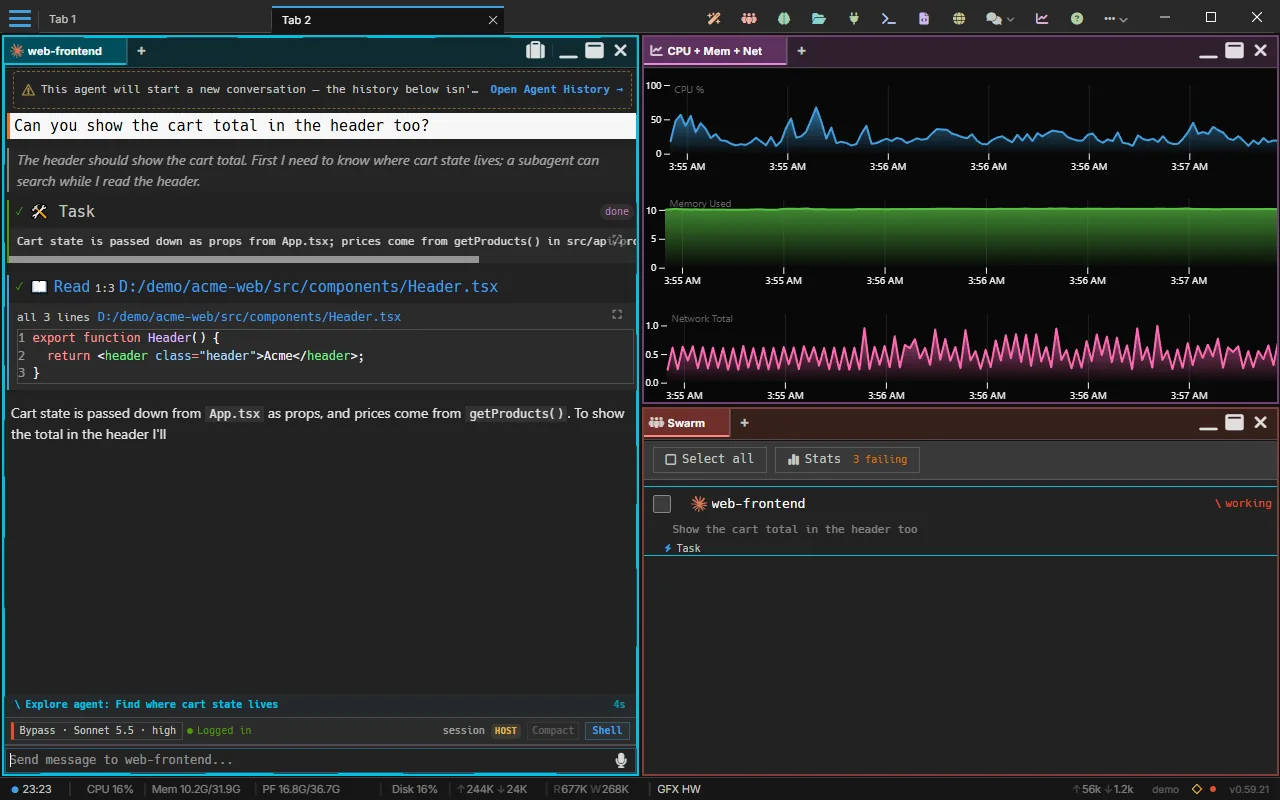
A 13-second clip with no sound. Someone asks the web-frontend agent to show the cart total in the header. In Swarm, the agent turns from idle to working and its current task appears under it, while its pane shows a subagent task, a read of Header.tsx and its reply streaming in.
18 live harnesses
Run any agent.
No lock-in.
Claude Code/ Codex/ Gemini/ Copilot/ Qwen/ Kimi/ OpenClaw/ Pi/ Antigravity/ OpenCode/ Kilo Code/ Cline/ goose/ Grok Build/ DeepSeek Harness/ Aider/ Crush/ Muse Code
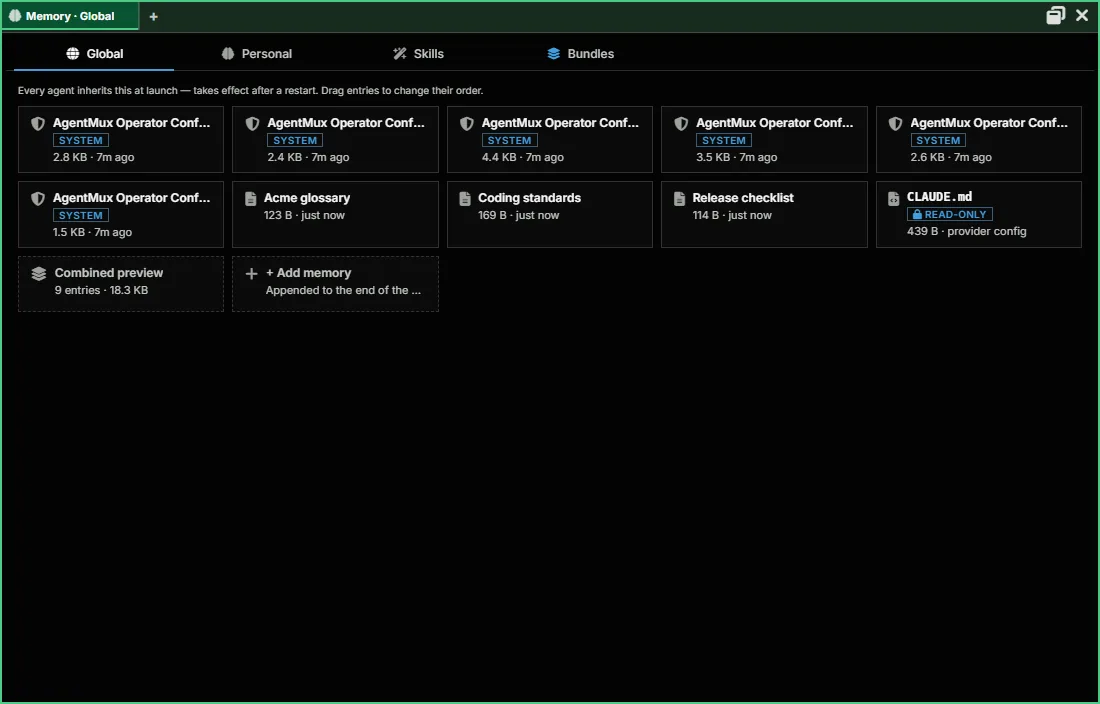
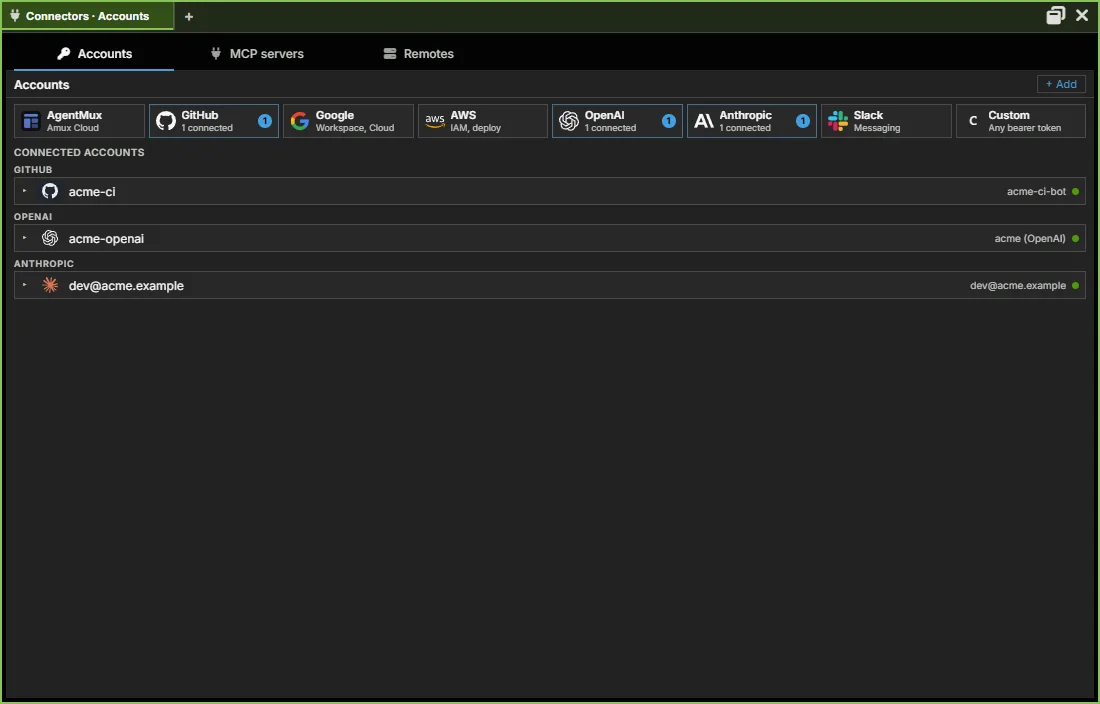
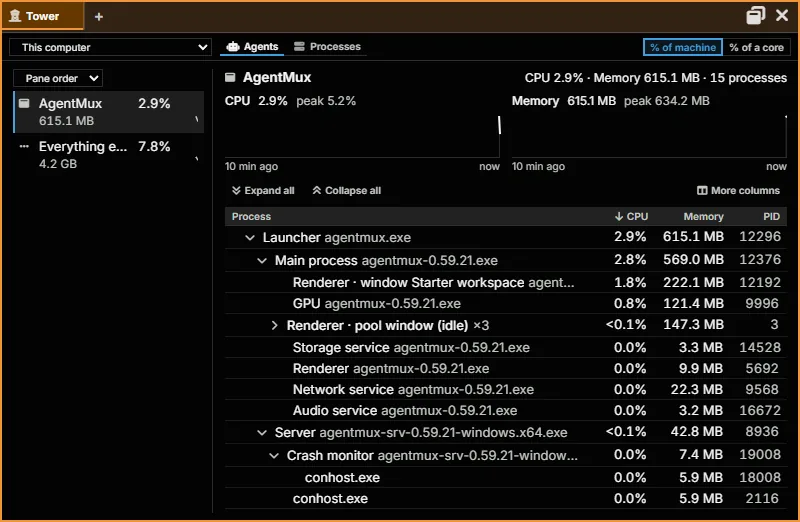
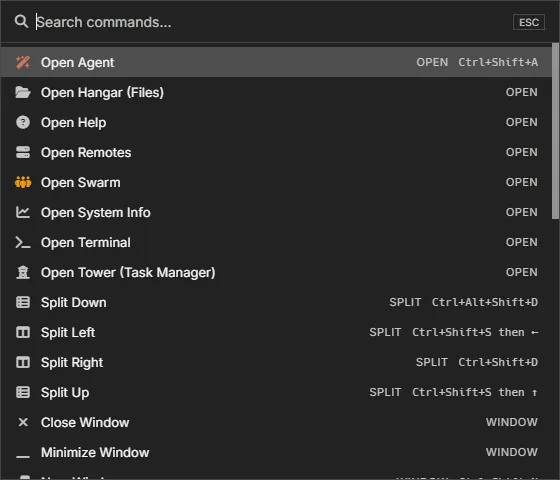
Built for agents.
Not bolted onto
a terminal.
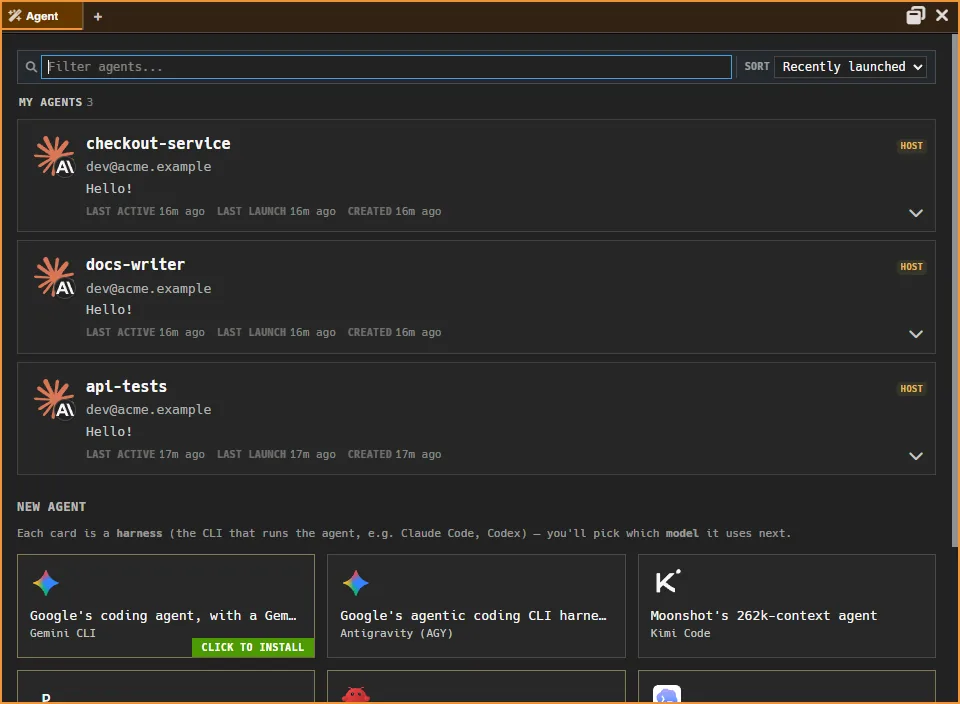
Coming from Wave Terminal?
You already know
your way around.
Now your agents live here too.
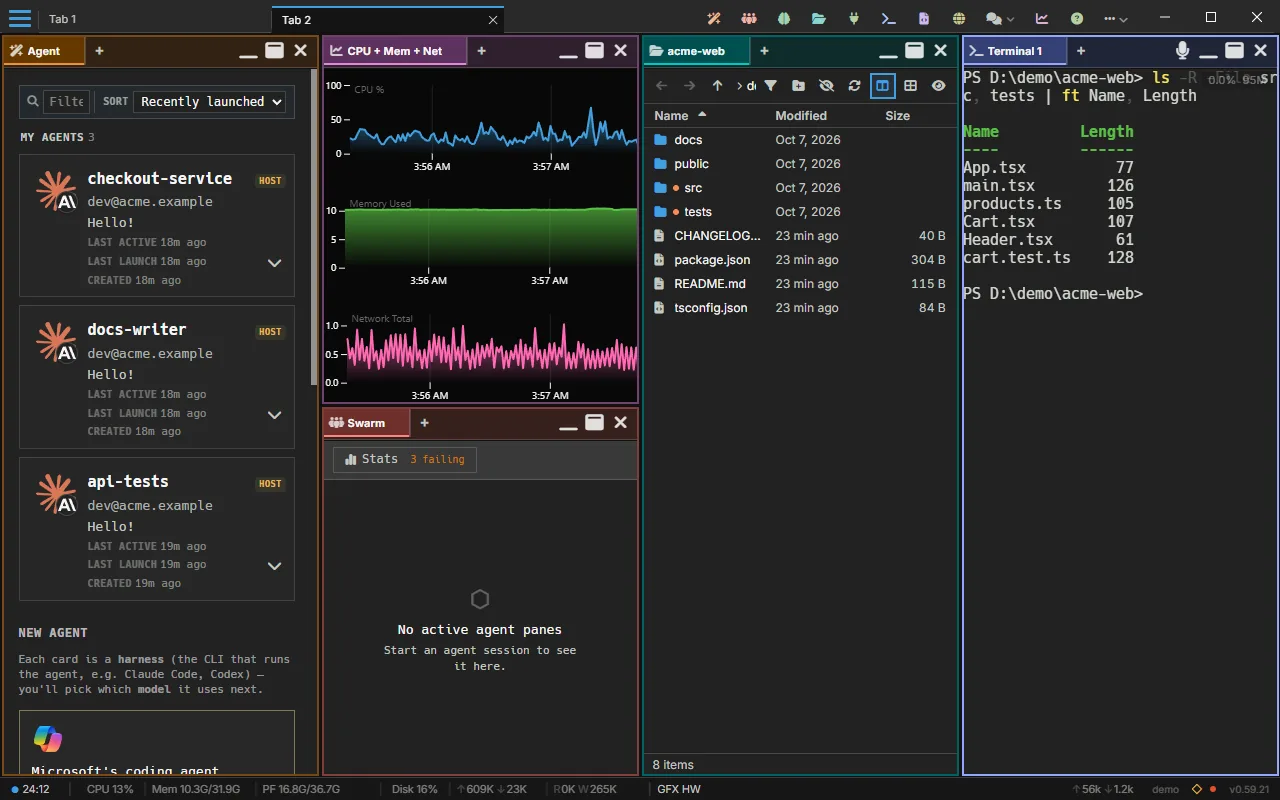
Dogfood
AgentMux
builds
AgentMux.
Agents running inside AgentMux wrote it: frontend, backend and infrastructure, in parallel.
The full story →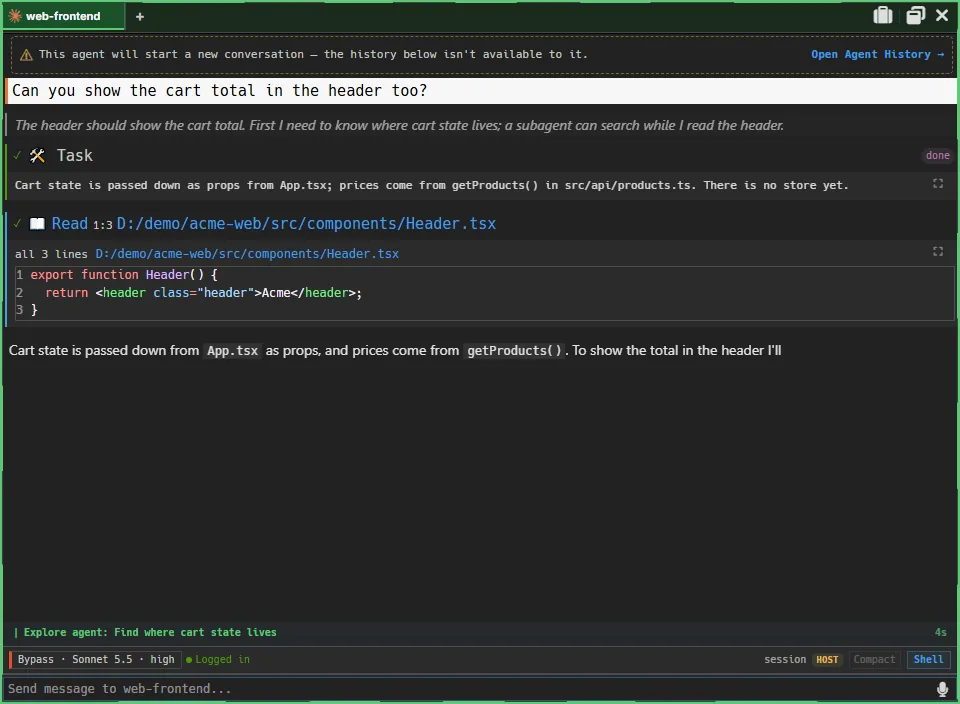
Local-first · Secure · Reliable · Fast
Rock solid
and secure.
3
Desktop platforms0
Telemetry18
Live harnesses100%
Rust backendCommunity
Come build
it with us.
Join our DiscordGet AgentMux
Free and open source.
Windows, macOS, Linux.
Apache 2.0. Runs entirely on your machine.
Alpha software. Windows is the primary development target; macOS and Linux builds lag behind. Microsoft Store: signed by Microsoft, installs cleanly. Windows installer and portable: code signing is waiting on Microsoft's registration, so SmartScreen may warn. macOS: code-signed and notarized, but may still ask before opening an app from the internet. Linux: no signing, no prompt.
v0.59.35
Or build from source on GitHub